Browser Extension (Chat)
WhatsApp AI Assistant (Chrome)
Turn WhatsApp Web into an AI sales assistant right inside your browser.
ReleasedFree Chrome (WhatsApp Web)
No server needed
Reply, bulk, Excel
Free to use
What it is
It's a Chrome extension that plugs into WhatsApp Web to auto-reply with AI, send bulk messages, and export chats to Excel. Just load the extension and open WhatsApp Web — no server needed.
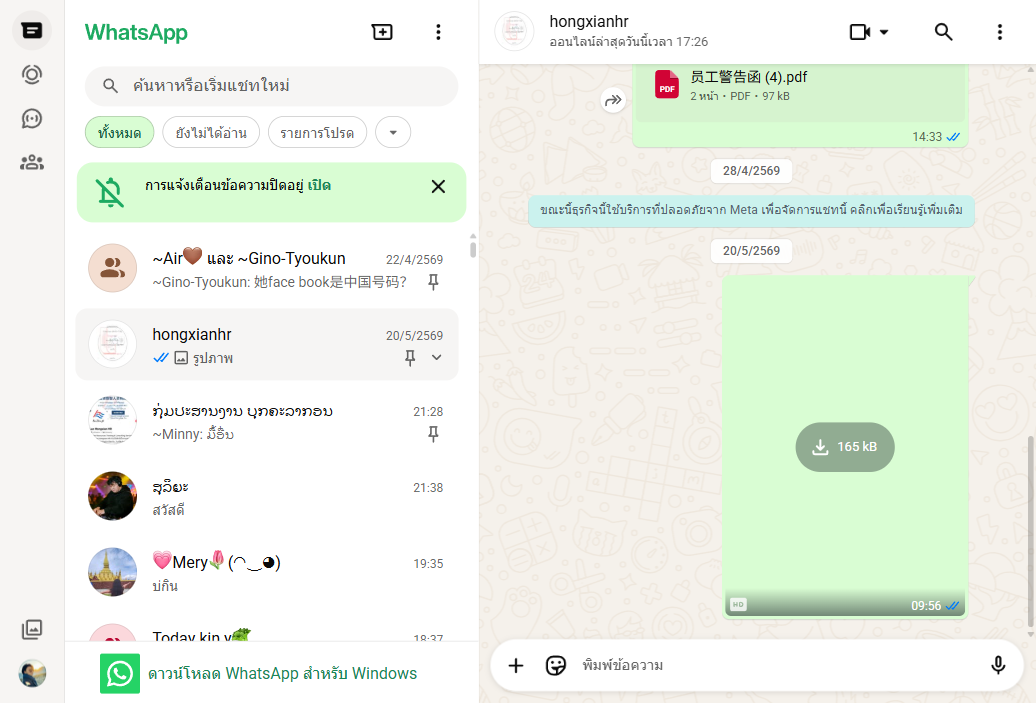
Real screenshots
How it works
1. Load the extension
Install the extension in Chrome and open WhatsApp Web
2. Configure the AI
Set the persona and turn on auto-reply from the control panel
3. Reply / bulk send
The AI replies to customers in the tab, or bulk-sends to many contacts
4. Export to Excel
Pull all chats out to Excel for analysis or to keep customer data
The problem it solves
Shops using WhatsApp Web can't reply by hand fast enough and want a simple helper without setting up a server.
Why it's good
No server needed — load the extension and go
Full-featured — auto-reply, bulk, Excel export, product images
Handles voice and image messages via separate models
What it can do
- AI auto-reply (reads the last ~10 messages before replying)
- Bulk sender with random delays (8–25s) to avoid detection
- Export all chats to Excel (Contacts / Messages / Summary)
- Triple-model: separate models for chat, voice, and image
- 4-language UI (Lao/Thai/Chinese/English)
How it's used
1Small shops: use one PC to answer WhatsApp Web with AI
2Customer data: export chats to Excel for analysis
3Promotions: send bulk messages to groups of customers
Built with
Chrome Manifest V3Vanilla JSShadow DOMSheetJSOpenRouter API
Frequently asked questions
No — just load the extension in Chrome and open WhatsApp Web, and you're ready to go.